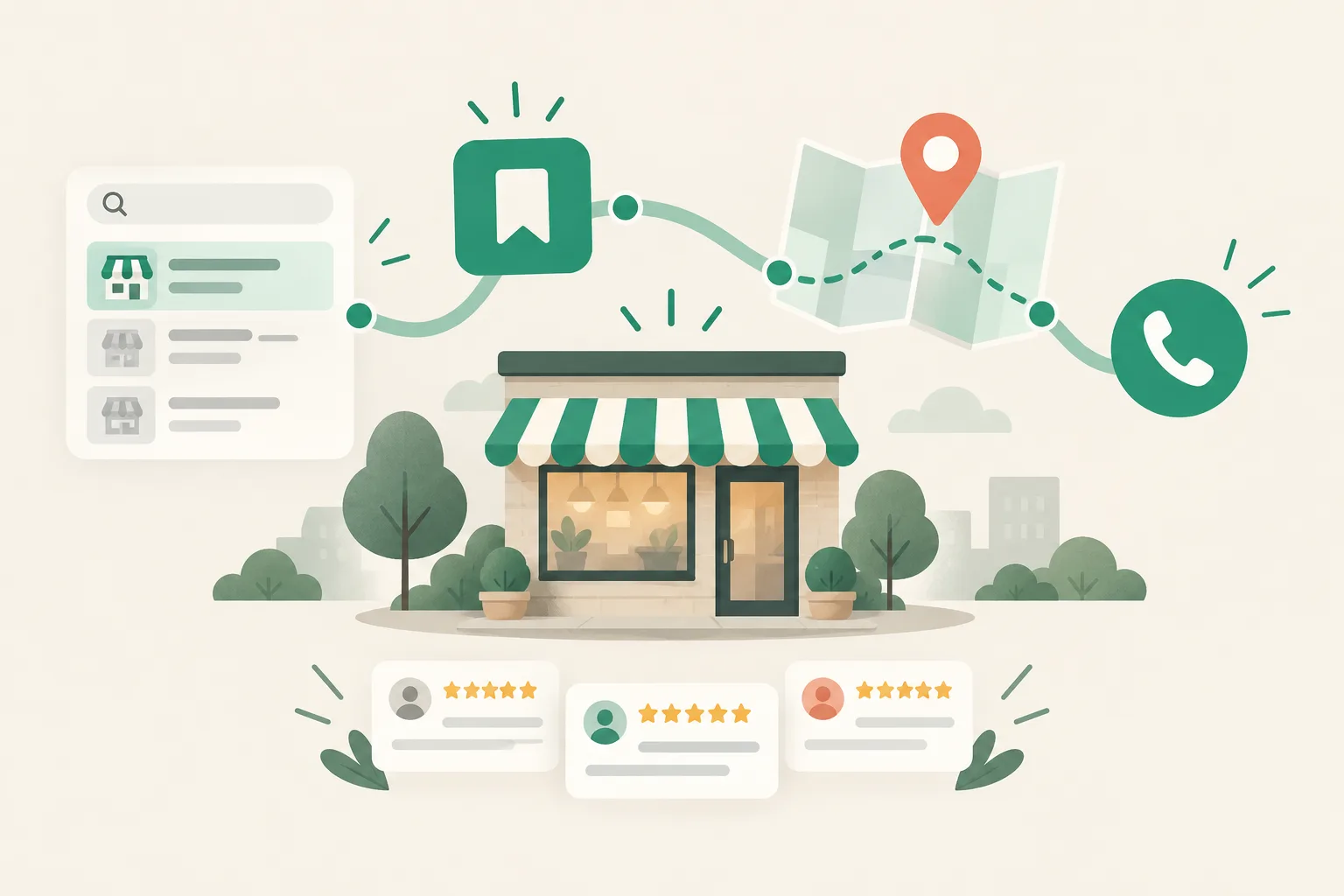
1Booking and ordering integrations signal a direct path from search to action, making them worth using when they fit your business and capacity.
2Judge their value by fewer lost customers and missed opportunities, rather than lower ad spending.
Y
About the author
Yongwoon LeeContent Lead, Cresco
At Cresco, designs how blog, local listing and Instagram content is run for clients such as clinics, and plans and reviews the articles on this blog.
Small-business marketing · SEO · AI search (GEO) · Naver Place · Content strategy
Related posts
Frequently asked questions
Will enabling bookings immediately improve my visibility?+
There is no guarantee. But it can create favorable conditions by signaling that customers can take action and shortening the steps between searching and booking.
Is an integration worth considering if I only take bookings by phone?+
Yes, if you handle many repetitive inquiries. Showing available times and service options upfront can reduce the time you spend answering calls.
Are ordering features only useful for restaurants?+
They are a natural fit for restaurants and cafés, but businesses offering packaged products or advance payment can also benefit from a shorter path to purchase.
Will this create too much work for a solo business owner?+
A routine for checking notifications and a limited set of bookable time slots can keep the workload manageable. You do not need to make every time slot available from the start.
3Moving recurring questions about hours, prices, and availability to a booking page can reduce both customer service demands and customer drop-off for solo business owners.
4Before connecting these features, make sure your information is accurate and consistent, including hours, main offerings, prices, service duration, cancellation policies, and closed days.
5Booking and ordering integrations are just one of several signals that can support visibility, so they cannot guarantee a particular ranking or sales result.
Visibility on Naver Place, South Korea’s local business directory, is no longer just about having a business listing. What increasingly matters is whether searchers can take action right away—and complete a booking or order within the platform.
For a solo business owner, enabling these features can look like more work. But booking and ordering integrations do more than add convenience: they can signal that your listing is ready to turn search interest into customer action.
Naver wants to distinguish casual browsers from likely visitors
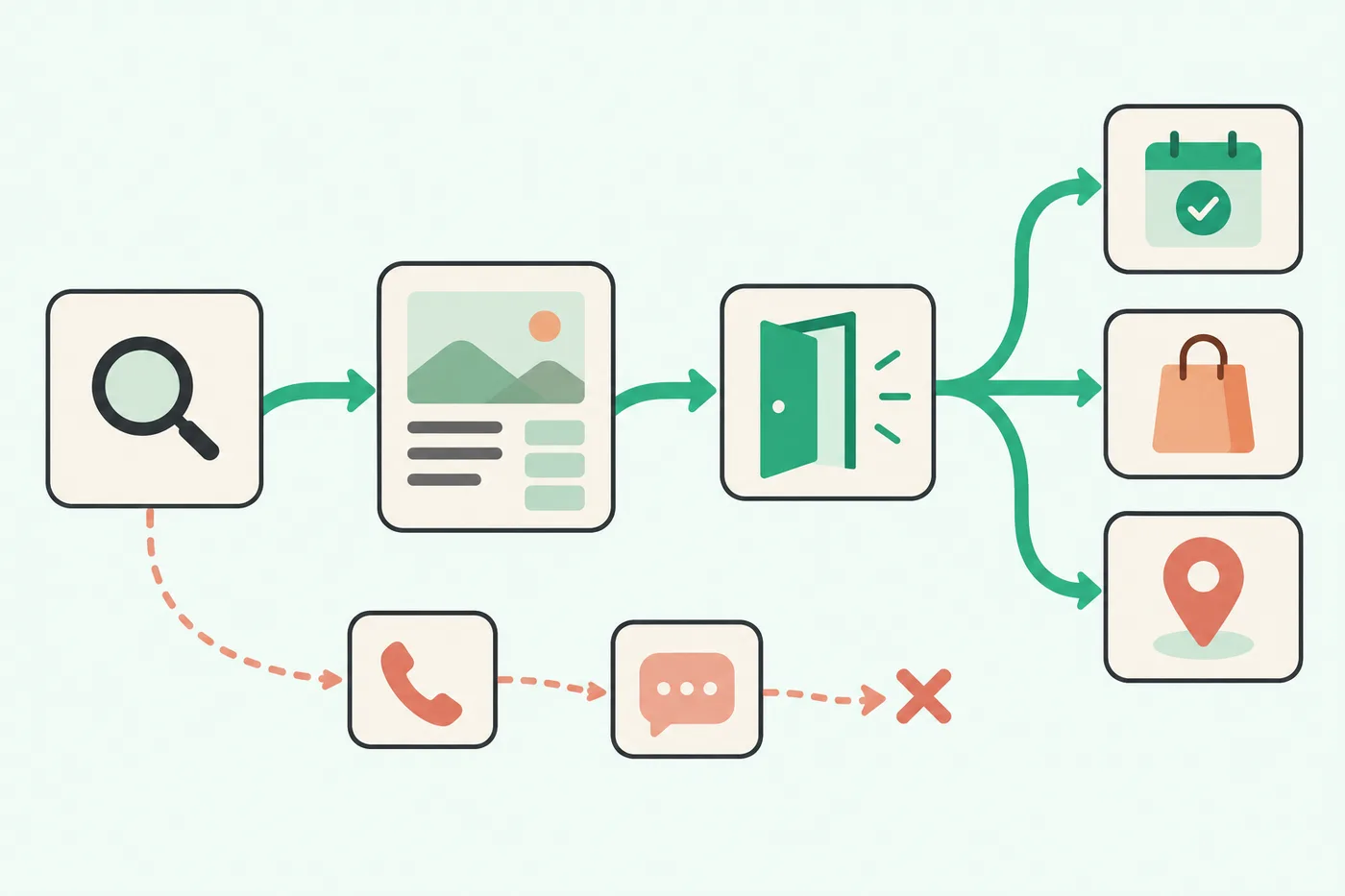
Local search does not end with reading business information. People check opening hours, location, and menus, then book, order, or tap for directions.
For Naver, South Korea’s search platform, search results become more useful when they lead to action. That makes it important to provide both complete business information and an easy next step.
Booking and ordering buttons matter here because they give interested searchers an immediate way to act.
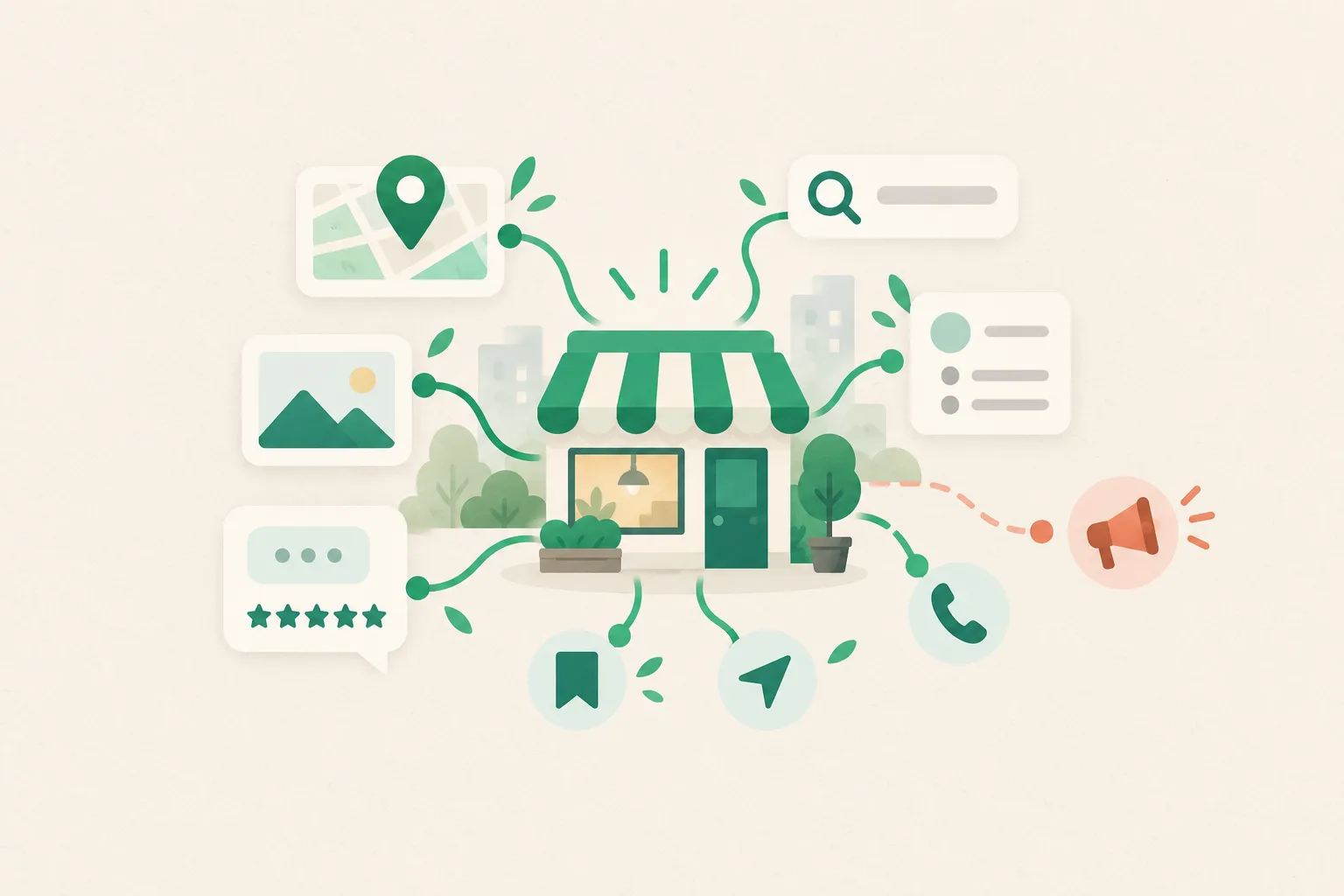
Table: What different listing elements can signal
Element
Value for the customer
Signal the platform can interpret
Address and opening hours
Check whether a visit is possible
Reliability of basic information
Photos and menu
Explore before choosing
Clarity about the business
Reviews
Learn from other customers’ experiences
Satisfaction and activity
Booking and ordering
Take immediate action
Conversion potential
Booking and ordering features show that a business is ready for customers to act
It is risky to assume that adding a button automatically earns a ranking boost. The key is keeping the customer’s journey from search to action uninterrupted.
A short path from search to booking, ordering, or directions.
For businesses such as nail salons, hair salons, classes, and restaurants, time slots and seating often shape the decision. Searchers need a way to book immediately. Asking them to switch to a phone call or direct message creates another opportunity for them to drop off.
The same applies to businesses that take orders. A shorter path from viewing a menu and checking prices to placing an order makes it easier for the platform to recognize that the business meets the searcher’s needs.
Solo business owners can also spend less time answering routine questions
Many owners expect a booking feature to create more administrative work. In practice, it can reduce repetitive inquiries.
When available times, service options, price ranges, and important details appear on the booking page, customers can make decisions before calling. Owners can spend more time managing confirmed bookings and less time repeating explanations.
The effect will vary by business. For a shop that relies heavily on walk-ins, ordering, offers, or business updates may be more relevant signals than reservations.
Measure value through fewer missed opportunities, rather than lower ad spending
Treating booking and ordering integrations purely as a replacement for advertising can lead to the wrong assessment. Their core purpose is to shorten the path to action so you lose fewer of the searchers who have already found you.
Small businesses, in particular, have less scope than large companies to drive major increases in traffic. That makes it especially important to give each person who reaches the listing a clear next step.
The approach is to connect your business listing, blog, reviews, and ways to encourage repeat visits, helping a modest flow of visitors stay engaged.
Table: How solo business owners can assess booking and ordering integrations
Factor
When enabling the feature makes sense
When preparation should come first
Business model
Appointment, inventory, or seating management matters
Most customers simply walk in
Inquiry patterns
The same questions come up repeatedly
Basic information is missing
Products and services
Options are clearly defined
Prices and packages change frequently
Operating capacity
You have a routine for checking notifications
Confirmed bookings or orders often need changes
Enabling the feature is only the start—your information needs to match
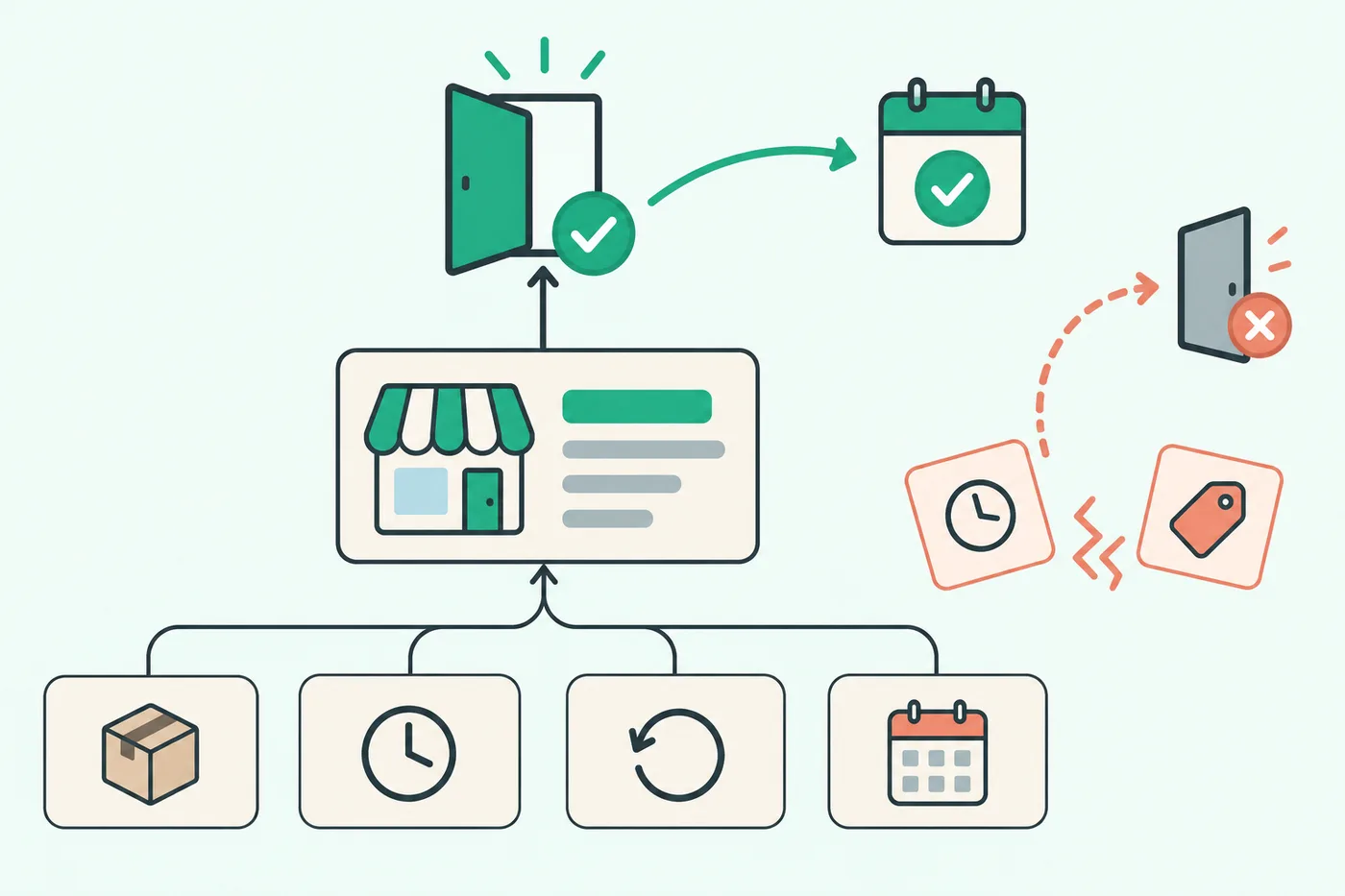
Even with booking and ordering buttons, inaccurate menus, prices, or opening hours can undermine trust. Search visibility brings people in; consistent information helps them take action.
Accurate operating information supports both customer action and trust.
Naver Search Advisor, the platform’s search guidance service, and Naver Smart Place, its business listing management tool, both emphasize accurate information and user experience. The platform favors a setup that helps people make decisions quickly.
Before connecting booking or ordering, organize your main offerings, service durations, cancellation policies, and closed days. The button serves a practical purpose: it lets customers act on clearly defined business information.
Visibility increasingly separates active listings from neglected ones
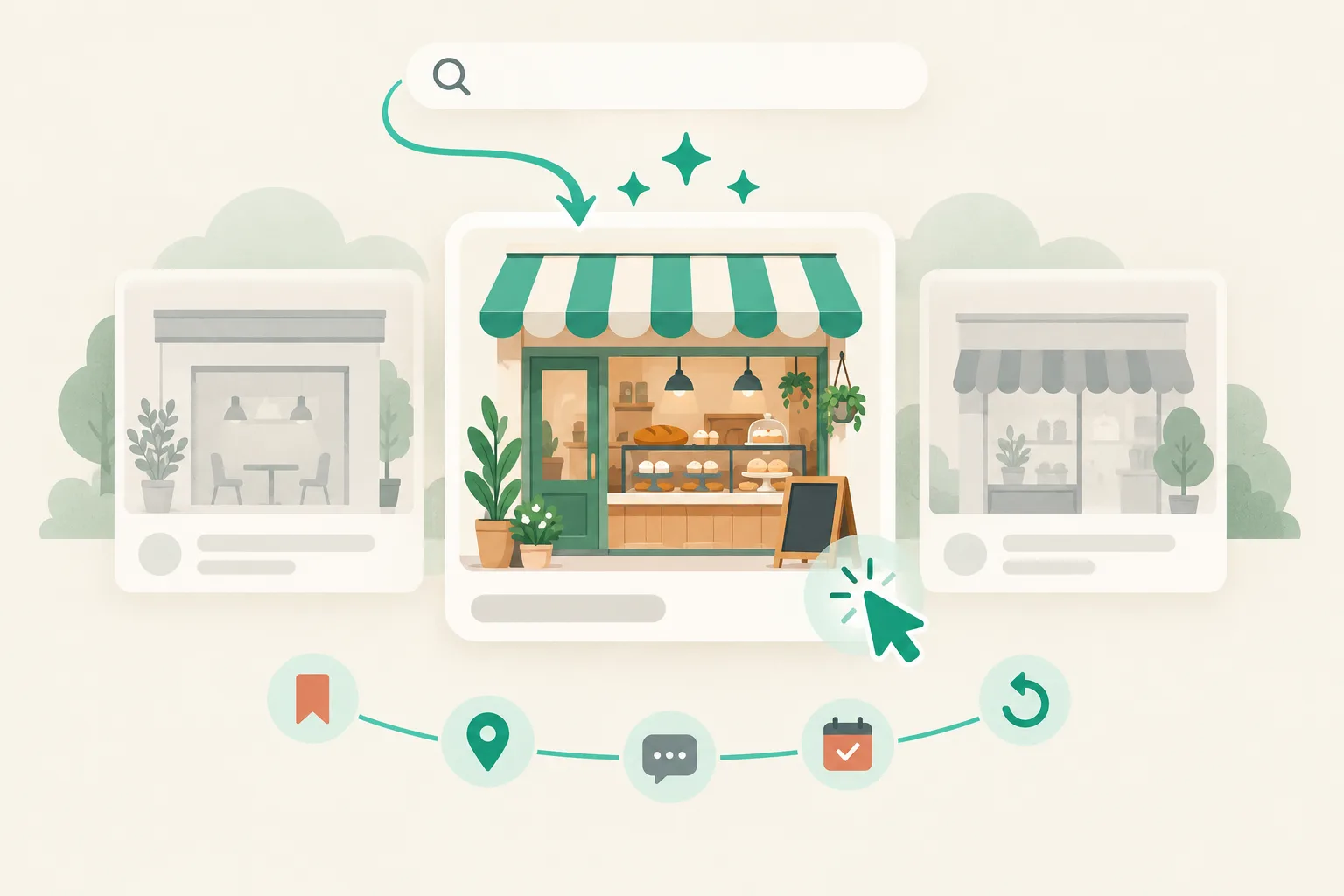
As competition on Naver Place grows, businesses that simply register a listing and leave it untouched face a disadvantage. Regularly updated photos, posts, review responses, and booking availability make a listing look more active.
Booking and ordering integrations are among the strongest signs of operational activity because they show that a business is ready to respond to customer action.
That does not guarantee a particular ranking or sales result. Treat them as one of several signals that can support visibility, and set them up to fit your business and operating capacity.
What owners should assess first
If a large share of your phone inquiries concern times, prices, and availability, it is worth moving that information to a booking page. Letting customers choose before they need to ask can reduce both your workload and customer drop-off.
If your menu or service list still needs organizing, start with the basics before connecting more features. Conversion buttons work best when customers can trust the information behind them.
Booking and ordering integrations give small businesses a way to use Naver Place’s path from search to action without an elaborate marketing effort. What matters is resolving the questions that make searchers hesitate, right within the platform.
FAQ
Q. Will enabling bookings immediately improve my visibility?
A. There is no guarantee. But it can create favorable conditions by signaling that customers can take action and shortening the steps between searching and booking.
Q. Is an integration worth considering if I only take bookings by phone?
A. Yes, if you handle many repetitive inquiries. Showing available times and service options upfront can reduce the time you spend answering calls.
Q. Are ordering features only useful for restaurants?
A. They are a natural fit for restaurants and cafés, but businesses offering packaged products or advance payment can also benefit from a shorter path to purchase.
Q. Will this create too much work for a solo business owner?
A. A routine for checking notifications and a limited set of bookable time slots can keep the workload manageable. You do not need to make every time slot available from the start.
Q. What should I update first?
A. Make sure your opening hours, main offerings, price ranges, photos, and cancellation policies are accurate and consistent. Reliable information gives customers confidence in using your booking and ordering buttons.