•Your main photo is a visual cue that helps people decide whether to click, so choose an image that quickly shows what your business offers over one that simply looks prettier.
•Changing your main photo is an experiment in winning more clicks at the same level of visibility, rather than a direct way to improve search rankings.
•Choose the first impression that fits your business and the customer’s search intent, showing the product, storefront, space, or work process they most want to see.
•Match the expectations your photo creates to the actual customer experience to protect trust in reviews and repeat visits as well as earn the first click.
Related posts
Move beyond review counts and learn why actions such as saves, directions, and calls are stronger indicators for ranking businesses on Naver Place.
The Key Services section on Naver Place—Korea’s local business listing platform—is meant to clarify how customers should compare their options, not simply list everything you sell. Organize the details people need to choose instead of repeating broad business categories.
On Naver Place, the order in which photos answer customers’ pre-visit questions matters more than the total number of images.
Frequently asked questions
Is a storefront photo or a product photo better as the main image?+
It depends on your business and the customer’s search intent. A storefront photo can be a stronger cue when people need reassurance before a first visit. A signature product works better when choosing the product is the main priority.
Should I change the photo frequently?+
Frequent changes should not be the goal. Changes are easier to evaluate when they reflect a shift in customer expectations, such as seasonal menu items, a renovation, or a new flagship product.
Do I need professional photography?+
Not necessarily. But you do need good lighting, sharp focus, appropriate framing, and an uncluttered background. The key subject should remain clear at thumbnail size.
What should I track after changing the main photo?+
Look beyond clicks to saves, direction requests, inquiries, bookings, and review content. Together, these help you assess whether the photo sets the right expectations.
•Allow enough time to evaluate the change, and track clicks, saves, direction requests, inquiries, bookings, and reviews together, accounting for seasonality, weather, promotions, and changes at competing businesses.
On Naver Place, a Korean local business directory, your main photo does more than make your listing look attractive. It helps people make their first judgment in search results. As users scan business names and thumbnails, they quickly ask themselves, “Is this what I’m looking for?”
For a small business, getting that visual cue right should come before spending on ads. Changing the main photo is less like pressing a button to improve rankings and more like updating packaging to earn a click wherever your listing already appears.
Your main photo is a storefront sign in miniature
Local search results bring together business names, categories, distances, review summaries, and photos on one screen. The main photo works much like the sign someone sees as they walk past your business.
The challenge is the small screen. In a mobile thumbnail, a subject that immediately shows what you sell sends a stronger signal than a wide shot of the entire premises.
Naver SmartPlace, the platform’s business listing management tool, treats business details and photos as core information shown to people searching. Photos should therefore be treated as part of information quality, rather than decoration.
Recognition comes before visual appeal
The main photo’s first job is to help people recognize what you offer. A restaurant’s signature dish, a salon’s finished work or distinctive space, or a tutoring center’s learning environment should quickly connect with what the customer is searching for.
People scroll through results comparing businesses. During that brief comparison, dark images, distant subjects, and ambiguous interior shots make the information harder to interpret.
Table: What different listing photos communicate
Photo type
What it tells the customer
When it can help earn clicks
What to watch for
Close-up of a signature product
Quickly shows what you sell
Restaurants, florists, dessert shops, and gift shops
Heavy editing can create expectations the visit does not meet
Storefront photo
Makes the business feel tangible and easier to find
Medical practices, tutoring centers, and everyday services
A small sign may be hard to read in a thumbnail
Interior photo
Shows atmosphere and size
Cafés, skincare studios, and appointment-based businesses
Can feel vague if the offering is unclear
Work in progress
Communicates expertise and care in the process
Workshops, repair businesses, salons, and car washes
Focusing on faces can obscure useful information
A new main photo has its effect after your listing appears
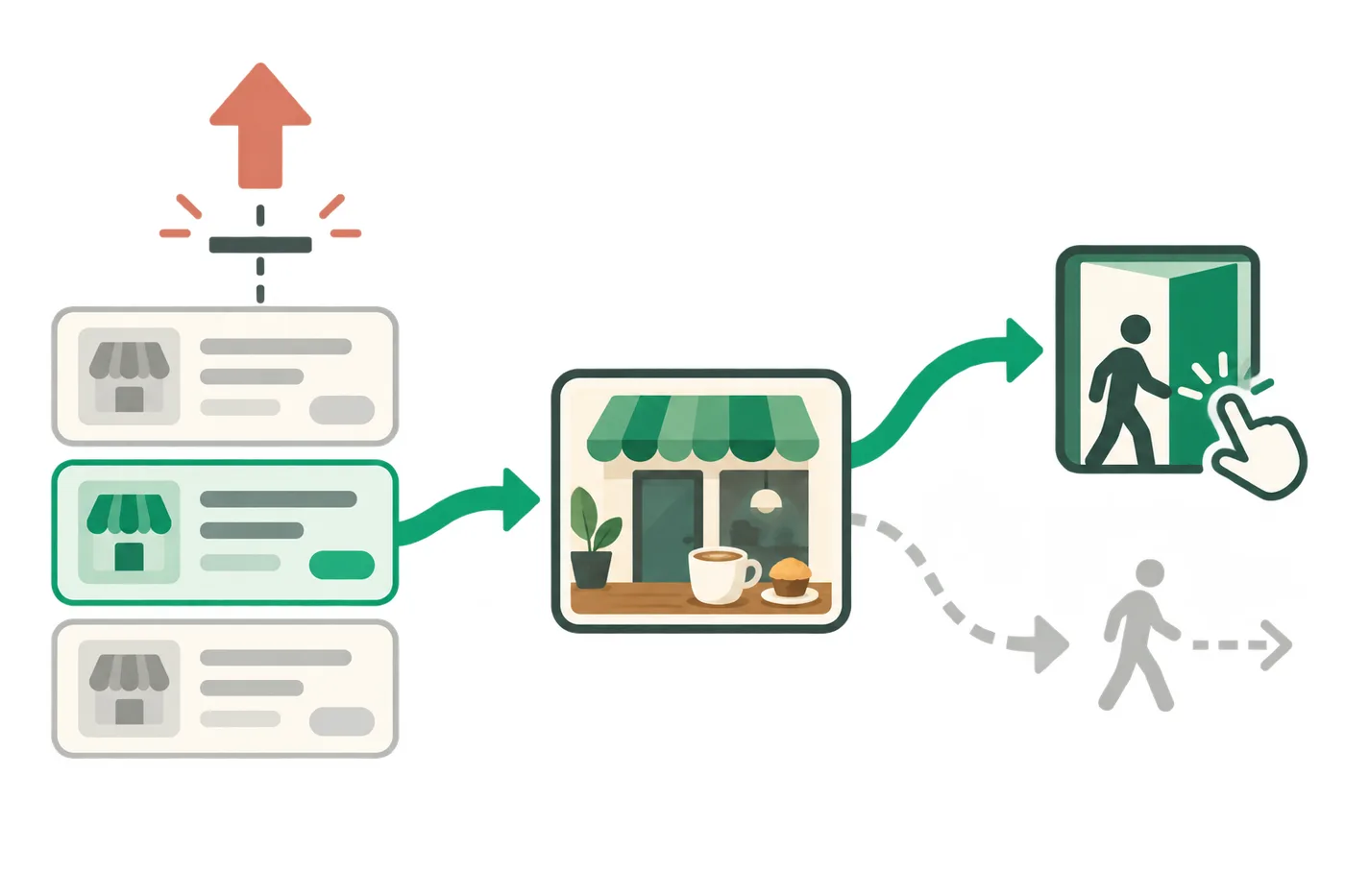
Changing your main photo does not automatically improve your search position. But once your listing appears in results, it can influence which business someone chooses to explore.
The main photo is a visual cue that influences a user’s choice after the listing appears in search results.
Understanding that distinction helps you make clearer budget decisions. Treat a photo change as an experiment in being chosen more often at the same level of visibility, rather than expecting it to move your listing up the rankings.
For small businesses, reducing missed opportunities where they already appear is often more practical than launching a large campaign.
A good main photo sets expectations you can meet
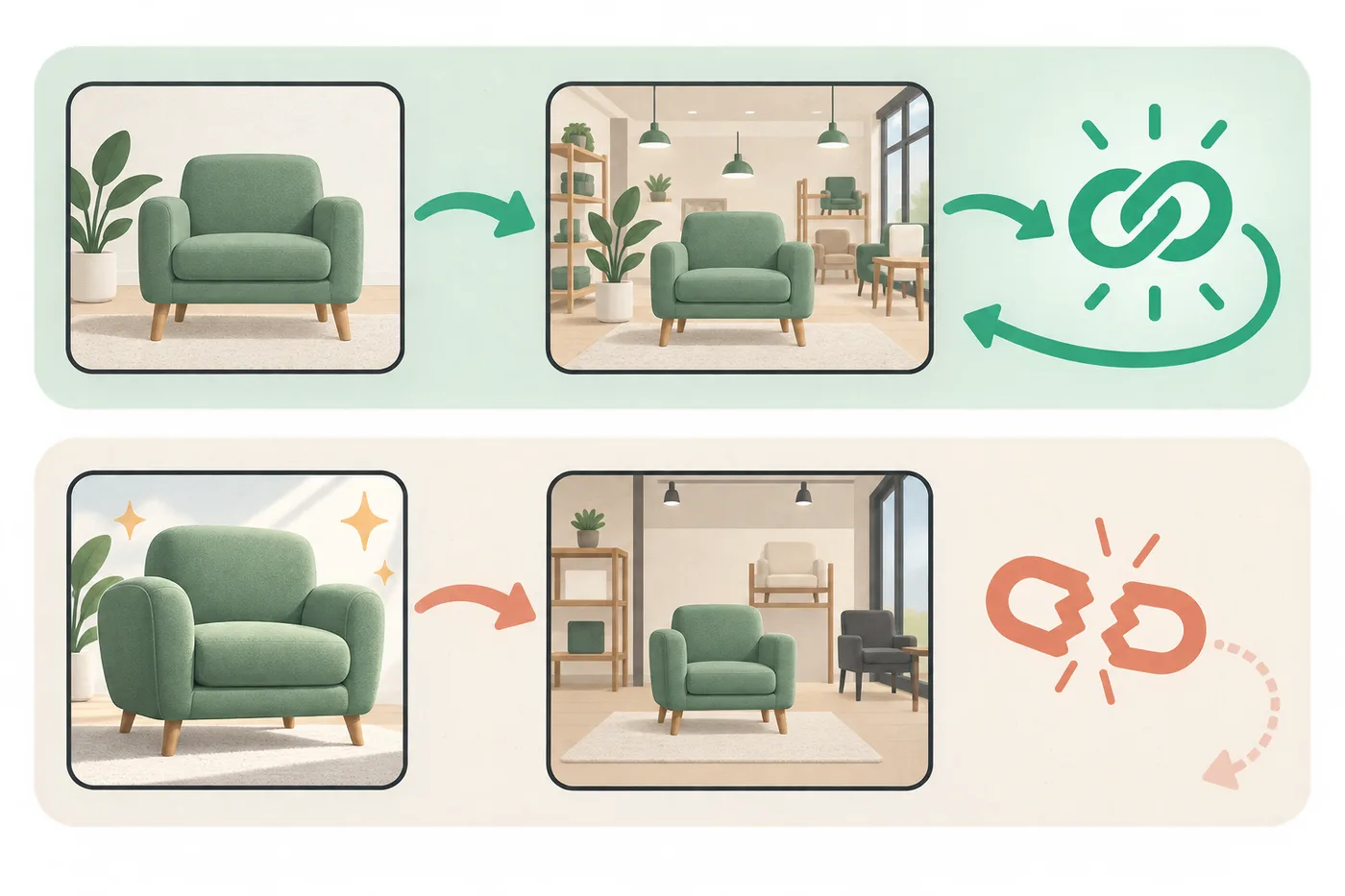
A photo that attracts clicks is not always a good photo. If the thumbnail looks much better than the actual experience, the mismatch can hurt reviews and repeat business.
Whether the experience matches the photo’s promise can determine whether customers trust the business or turn away.
Your main photo should represent what customers can reliably expect, rather than capture only your most impressive moment. The products, atmosphere, and sense of price range it suggests should hold up when someone visits.
For local businesses, turning first-time visitors into regulars matters. Balance the appeal that earns an initial click with the accuracy that protects long-term trust.
Treat each photo change as a small experiment
After changing your main photo, allow some time to observe the response. Seasonality, weather, promotions, and changes at competing businesses can all affect results, making day-to-day judgments unreliable.
Naver Search Advisor, the company’s search optimization guidance service, also emphasizes providing information users can understand. The same principle applies to listing photos: a photo is easier to interpret when it quickly shows how the business fits the searcher’s needs.
Table: What to compare after changing your main photo
What to monitor
What it indicates
How to interpret it
Clicks relative to impressions
How often your listing gets chosen in search results
Consider the listing title, category, and review snippets alongside the photo
Saves and direction requests
Indirect signs of intent to visit
Check whether storefront and location information are clear enough
Inquiries and bookings
Trust after the click
Check that the photo matches the listing’s detailed information
Changes in review content
Gaps between expectations and experience
Check whether the photo creates exaggerated expectations
The right first impression depends on your business
For a café, a photo that shows both a signature menu item and a sense of the seating can give people a clearer reason to choose it than an attractive interior alone. For medical practices and tutoring centers, cleanliness, a recognizable location, and signs of a well-run business may be stronger cues than striking visuals.
For beauty and personal care businesses, results matter. Still, a scene that conveys the actual consultation and service experience can be more useful than an exaggerated before-and-after comparison. Repair and installation businesses can benefit from photos that show both the finished work and care in the process.
Ultimately, the main photo should address the hesitation customers feel when choosing a business like yours. A click becomes a natural next step when the photo answers the question they most want resolved.
Your main photo is a starting point for managing your business listing. It is a way to shape how customers perceive your business in search results, without promising a particular ranking.
When replacing it, prioritize the image people can understand faster over the prettier shot. For a small business, improving click-through rates often begins with these small moments of judgment.
FAQ
Q. Is a storefront photo or a product photo better as the main image? A. It depends on your business and the customer’s search intent. A storefront photo can be a stronger cue when people need reassurance before a first visit. A signature product works better when choosing the product is the main priority.
Q. Should I change the photo frequently? A. Frequent changes should not be the goal. Changes are easier to evaluate when they reflect a shift in customer expectations, such as seasonal menu items, a renovation, or a new flagship product.
Q. Do I need professional photography? A. Not necessarily. But you do need good lighting, sharp focus, appropriate framing, and an uncluttered background. The key subject should remain clear at thumbnail size.
Q. What should I track after changing the main photo? A. Look beyond clicks to saves, direction requests, inquiries, bookings, and review content. Together, these help you assess whether the photo sets the right expectations.