How to Write a Review-Style Blog Post Based on Firsthand Experience
- #review blog posts
- #review writing
- #small business blogging
- #firsthand reviews
- #review photos
- #updating blog posts
Who this is for
- Business owners writing a review-style post for their own blog who wonder whether to use a customer's perspective
- Café or salon owners with plenty of photos who are unsure what to say about the experience
- Marketers updating older posts about a visit or service
Describe the circumstances of the experience and explain what shaped your assessment.
Readers want to know whether they could have a similar experience. If a post offers only praise and leaves out why you visited or what you did, readers will have a hard time deciding whether it applies to them.
If you're describing seating at a café, say where you actually sat and what you were there to do. If you spent the visit reading alone, limit your assessment to how the seat worked for that purpose. A group coming in to talk may have a different experience.
Before you write, jot down a few details.
Naver, a Korean search engine, says it uses several signals to assess relevance, including keywords, publication time, post quality, and popularity. The review format alone gives you little basis for expecting a higher ranking.
Identify yourself as the owner or operator and write about what you observed or verified firsthand.
You might explain what you checked while developing a new menu item or walk readers through a service from booking to checkout. At the start of the post, say who you are and how you were involved.
A smile or a return visit leaves room for interpretation. For a more accurate account, describe the questions customers actually asked and the answers your business gave them.
| Type of information | What to include | What to avoid |
|---|---|---|
| Owner observations | How you prepared and what you told customers | Claims about satisfaction customers never expressed |
| Owner assessments | What shaped your assessment and when it applies | Blanket claims that something suits every customer |
| Customer feedback | What customers actually said and the context in which they said it | Exaggeration that changes the meaning of their feedback |
Keep your perspective clear throughout the post. Writing in a customer's voice can leave readers unsure whose experience they're reading about.
A review is more persuasive when readers can see how you reached your conclusions.
Choose photos that show the detail you're discussing, and explain what readers can verify from each image.
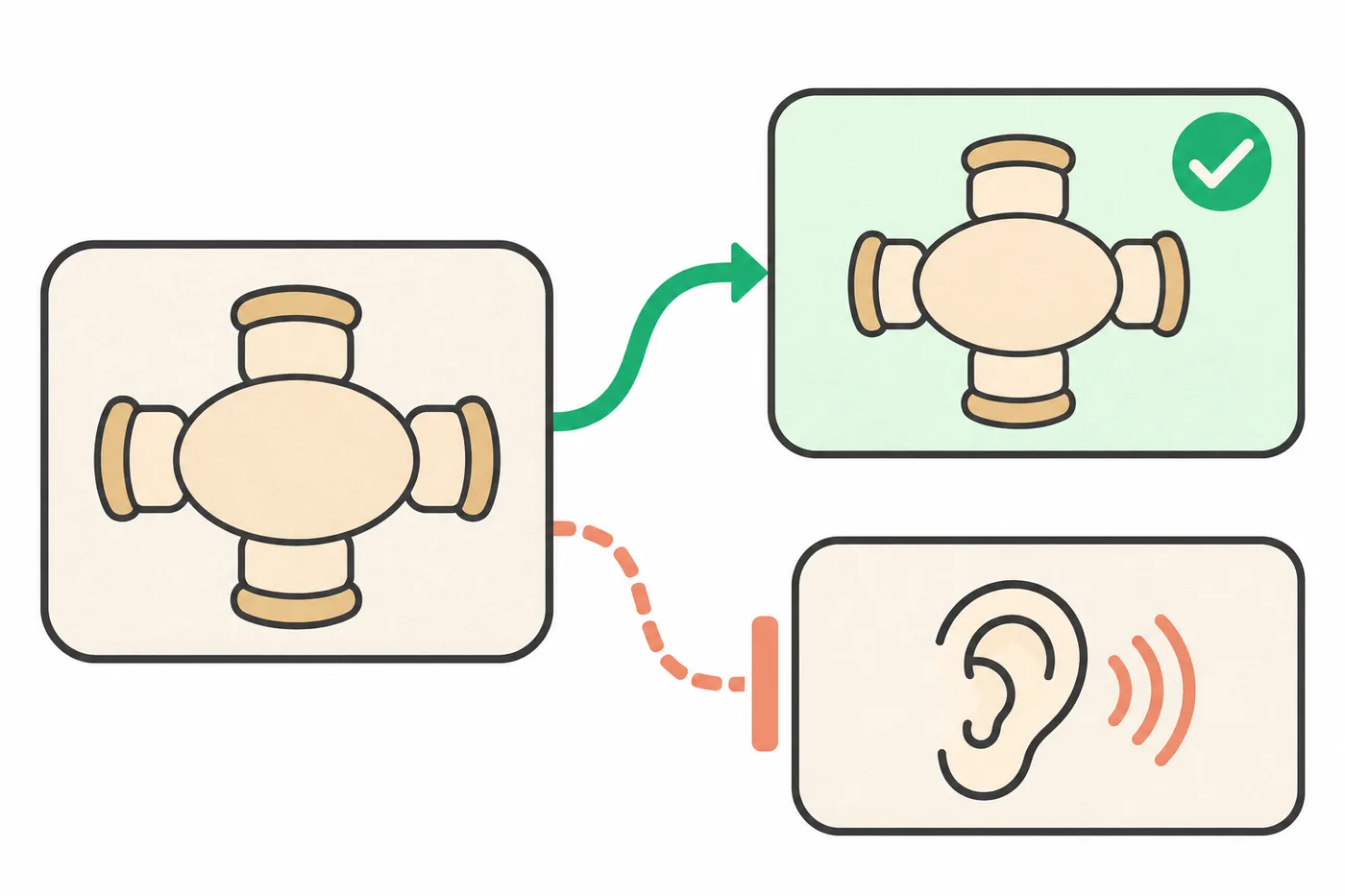
Google's review-writing guidance recommends including evidence from the experience and explaining the reasons for a recommendation. On your business blog, you can apply that advice by placing the relevant photo or other evidence next to the assessment it supports.
A photo of the tables can show how the seats are arranged. If you also want to describe the noise level, explain what you heard and what was happening during your visit.
Apply the same standard to what worked well and what fell short. If you're commenting on how much room there is between tables, say where you sat. Customers at other tables may have a different experience.
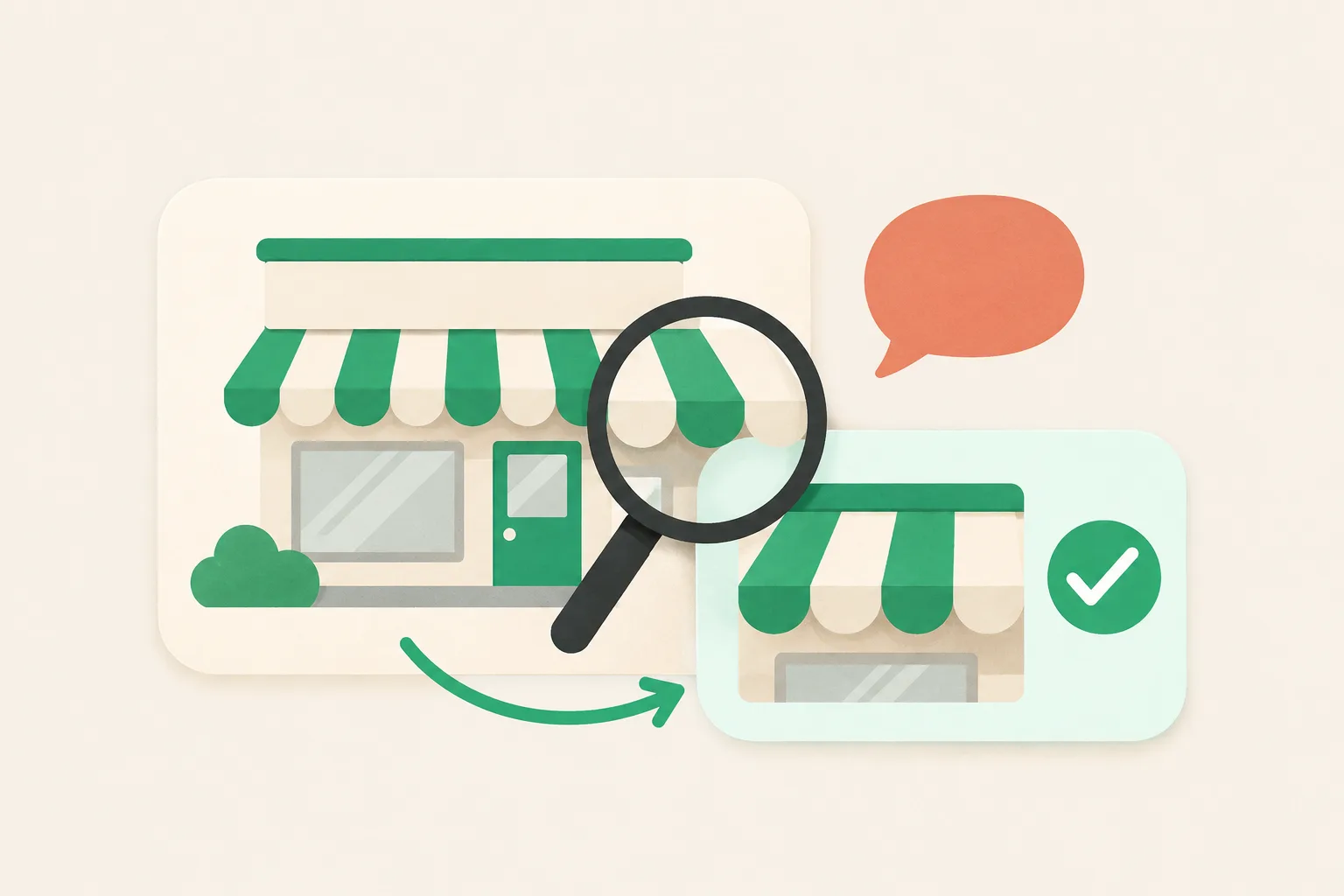
Check whether prices and customer information shown in photos are still current. If anything has changed since the photo was taken, add a note or replace the image so readers can use the post to plan a visit today.
Gather your firsthand notes, organize them around a reader's question, and check the facts before publishing.
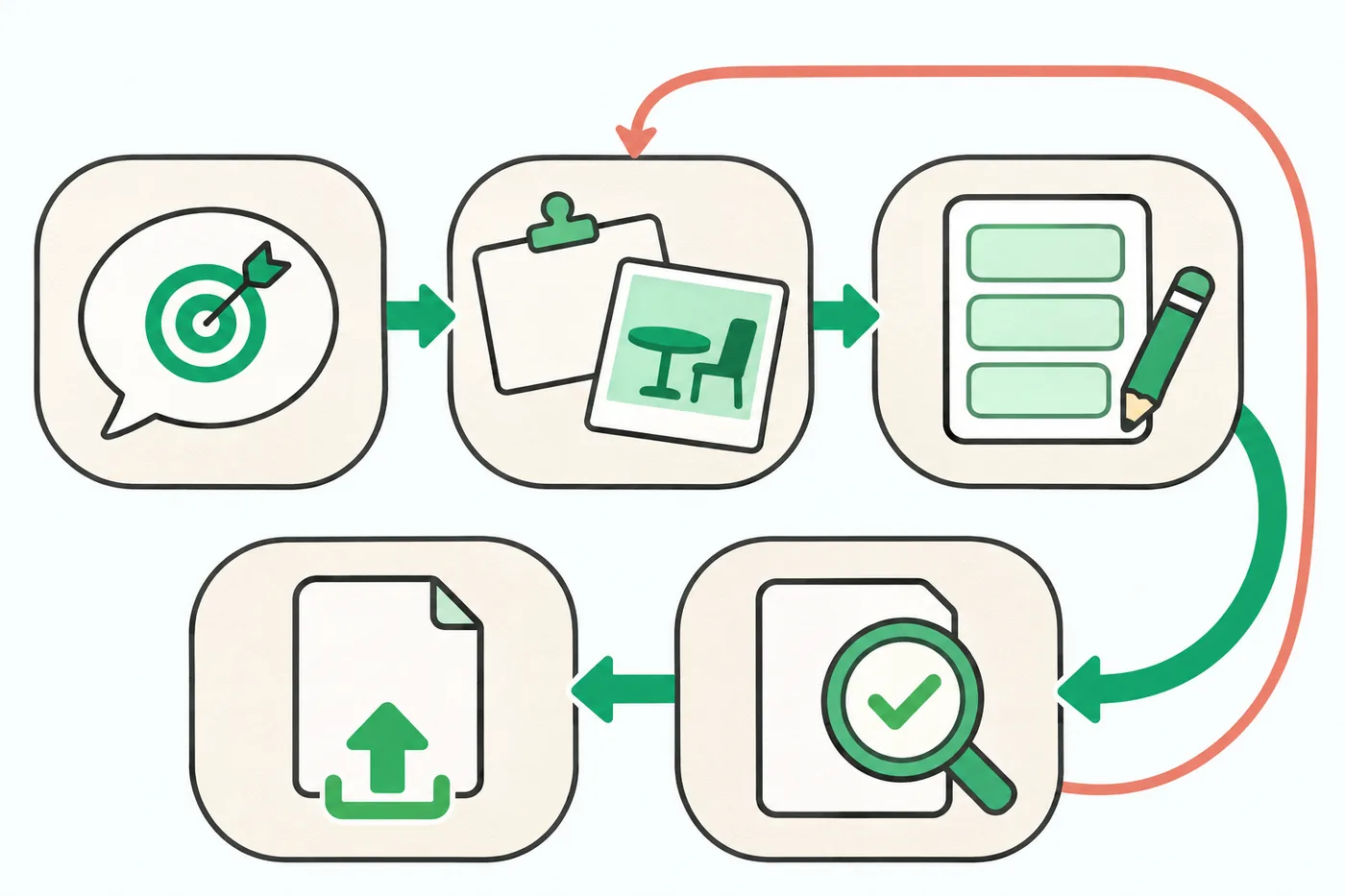
If you set aside 30 minutes, you might spend 10 minutes organizing your notes, 15 minutes drafting, and 5 minutes checking the facts.
Use that split as an example for budgeting your time. If your notes leave gaps, list what you still need to verify. Filling those gaps from hazy memory can make the post less accurate.
If you use AI to draft the post, give it your firsthand notes first. Check the draft for details about wait times or customer reactions that you didn't verify.
If you handle marketing without a dedicated team, use the same template each time. Recording the circumstances of the visit, your observations, and your photo captions in the same order saves you from hunting for those details when you sit down to write.
Start with details that have changed and assessments that need more evidence.
Naver's search guidance says an older post can appear ahead of a newer one if it better matches what someone is searching for. Before writing a new post, check whether the existing one still answers the reader's question.
Use that guidance to check whether readers can still find and verify the details they need. How long a post stays visible in search can't be predicted from its format alone.
If you choose three posts to review this week, look for one outdated detail and one assessment that needs more support in each post.
If your hours or menu have changed, add the current information. If the original experience is worth preserving, make clear which details describe the visit and which apply today. Keep any revisions to the original account within what you can verify.
Yongwoon LeeContent Lead, Cresco
At Cresco, designs how blog, local listing and Instagram content is run for clients such as clinics, and plans and reviews the articles on this blog.
Small-business marketing · SEO · AI search (GEO) · Naver Place · Content strategy
It's a firsthand account that explains what you did and backs up your assessment. Readers should be able to tell what you tried and why you rated the experience the way you did, so they can decide whether it applies to them.
Name what you actually tried and highlight an aspect of the experience you can support in the post. Keep the title focused on benefits you discuss and assessments you've verified.
Yes. Stick to what you can verify from photos and notes. Leave out details you can't remember, such as how long you waited or what staff said, and confirm current business information separately.
Only describe shortcomings you experienced. You can explain the scope of your review by mentioning any services you didn't use or conditions you couldn't verify.